See MelonLoader in Action
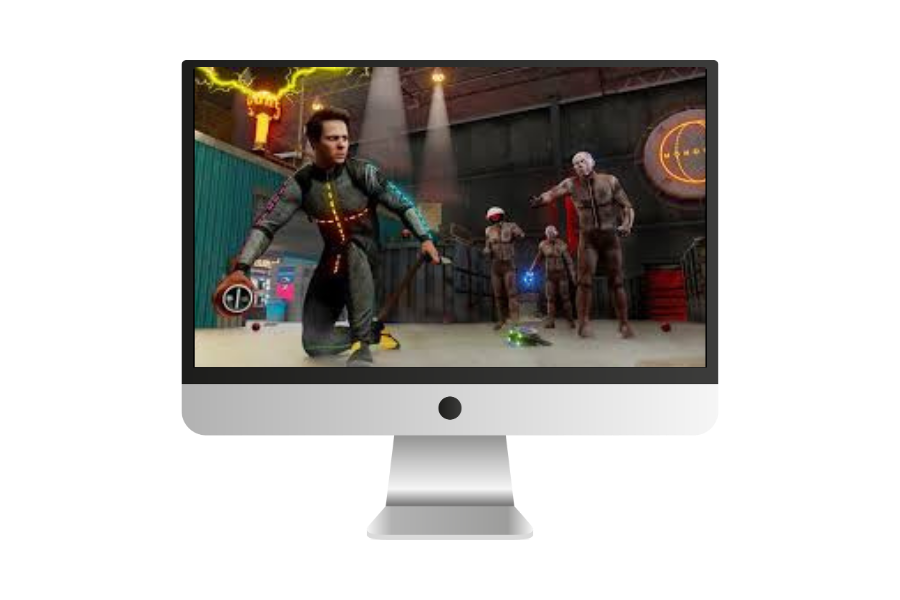

Transform your Unity gaming experience with powerful modding tools. Works seamlessly with Il2Cpp and Mono games across Windows and Linux platforms.
MelonLoader is a universal mod loader built for Unity games. If you want to customize your favorite Unity games with mods, this is the tool that makes it happen. It works with both Il2Cpp and Mono Unity games, covering most games built on the Unity engine.
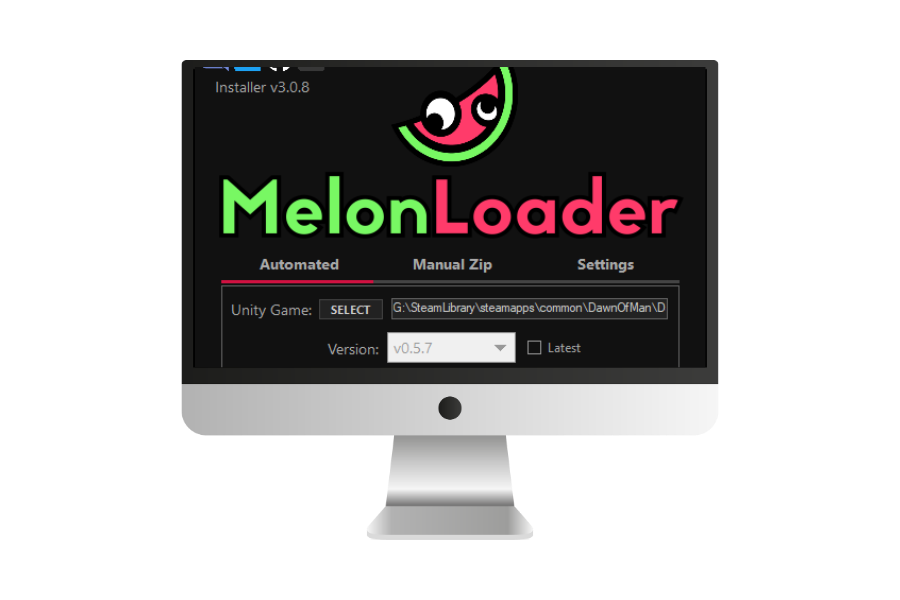
The setup is straightforward. Download the installer, point it to your game folder, and you're done. MelonLoader creates a few folders where you drop your mods and plugins. When you launch your game, everything loads automatically. No complicated configuration or game file modifications needed.
The framework handles all the technical complexity behind loading mods safely. For developers, it includes debug mode with detailed logging so you can troubleshoot issues quickly. The configuration file lets you customize everything from console appearance to startup behavior.
What makes MelonLoader different is its universal approach. While other modding tools only work with specific games, this works across any Unity game that uses Il2Cpp or Mono. For Il2Cpp games, it includes an assembly generator that automatically creates the necessary files for modding—you just wait a minute the first time, then you're set.
MelonLoader separates plugins and mods for better organization. Plugins load first and provide core tools or frameworks. Mods come next and add the actual gameplay changes or new features. This structure keeps things clean and prevents conflicts between different modifications.
The framework integrates with powerful libraries like Harmony for runtime patching, giving mod creators serious capabilities. For users, this means the mods you download can implement impressive features while staying stable and compatible with each other.
Windows users get automatic .NET runtime installation through the installer. Linux users have full support whether running games through Wine, Steam Proton, or natively. The same mods work across platforms, so developers write code once and everyone benefits.
When game updates break mods (which happens), recovery is simple. Logs tell you exactly what failed and why. You can temporarily disable mods by moving them out of the Mods folder. Since there's no game file modification, uninstalling is just deleting a couple of files and folders.
Thousands of modders use MelonLoader daily across popular Unity games. The Discord community is active and helpful—whether you need installation help or advanced modding advice, experienced users stick around to help newcomers. The project is open source, welcoming contributions from anyone who wants to improve it.
For mod creators, comprehensive documentation and example projects get you started quickly. The framework handles game hooking and initialization, letting you focus on the actual mod logic. Development tools include detailed logging and debugger support, speeding up testing without constant game restarts.
Whether you're tweaking single-player difficulty, adding quality-of-life features, or completely transforming your gaming experience, MelonLoader provides a reliable foundation. It's actively maintained, well-documented, and trusted by a large community of gamers and developers.
MelonLoader makes game modding accessible to everyone. Whether you're just getting started or you're an experienced developer, you'll find everything you need to customize your favorite Unity games.
Compatible with both Il2Cpp and Mono games right out of the box. One tool handles everything, so you don't need different loaders for different games.
Run it on Windows or Linux, including Wine and Steam Proton. Your favorite mods work the same way regardless of your operating system.
The automated installer does the heavy lifting for you. Just point it to your game folder and you're ready to start modding in minutes.
Extend functionality with plugins that add new capabilities. Create your own tools or use ones built by the community.
Drop mods into folders and they just work. No complicated setup or configuration files to mess with unless you want to.
Detailed logs and debug mode make troubleshooting straightforward. Perfect for both using mods and creating your own.
Completely free to use with no hidden costs. The source code is available for anyone who wants to see how it works or contribute improvements.
Thousands of modders ready to help on Discord. Whether you're stuck on installation or building complex mods, someone's been there before.
Regular updates keep everything running smoothly with new Unity versions. Bug fixes and improvements come from both the core team and community contributors.